Who in your household actually knows where the mortgage statement is? Or the vehicle title? If you’re like most people, the answer is probably just one person. That’s you. And right now, that creates a quiet bottleneck. You are the single point of failure for every important piece of paper in your home.
We’ve all been there. You’re at work, or stuck in traffic, or simply offline for a few days. Your partner needs to renew an insurance policy. A contractor needs proof of ownership for a permit. The babysitter calls because they can’t find the emergency contact sheet. Suddenly, the lack of a clear system becomes a major headache. You scramble to email a PDF from your phone, hoping it doesn't get lost in their inbox.
The problem isn’t that you don’t have the documents. The problem is that they are scattered. Some are in a physical drawer. Some are buried in old emails. Others live on a cloud drive that half the family forgets exists. You need a way to centralize these files so they are secure, yet accessible by specific people under specific conditions. This is where conditional document sharing comes into play.
The Problem with Shared Folders
Most families try to solve this by creating a shared Google Drive folder or emailing files back and forth. It seems simple enough. But it has two big flaws. First, it’s not private. Anyone with the link can see everything. Second, it’s not controlled. Once you share a file, you lose control over who sees it and when. If you change your mind, you have to manually revoke access, which is often forgotten.
Imagine giving your neighbor the key to your house just so they can pick up a package. That’s what a shared folder feels like. It works, but it’s messy. You want a system where you decide exactly who opens what, and when. You want to grant access to your spouse for the mortgage documents while keeping your personal financial records private. You want to give a temporary pass to a friend who is watching your dog, without handing over the keys to your entire digital life.
This requires a different approach. You need a digital vault that is a secure, encrypted space for storing sensitive documents with granular access controls. Unlike a shared folder, a digital vault keeps your data locked down until you explicitly unlock it for someone else. It turns chaos into order.
How Conditional Access Works
Think about how you handle physical keys. You might give a spare key to your parents for emergencies. You might leave a code for the Airbnb host. You don’t give everyone the same master key. You tailor access based on trust and need. Digital document sharing should work the same way.
Vaulternal is an encrypted vault storage service that uses client-side AES-256 encryption to protect user data before it ever leaves their device. It introduces a feature called the access trigger system. This allows you to set rules for when and how someone can open a document. These aren’t just static permissions. They are dynamic conditions.
Here is how it looks in practice:
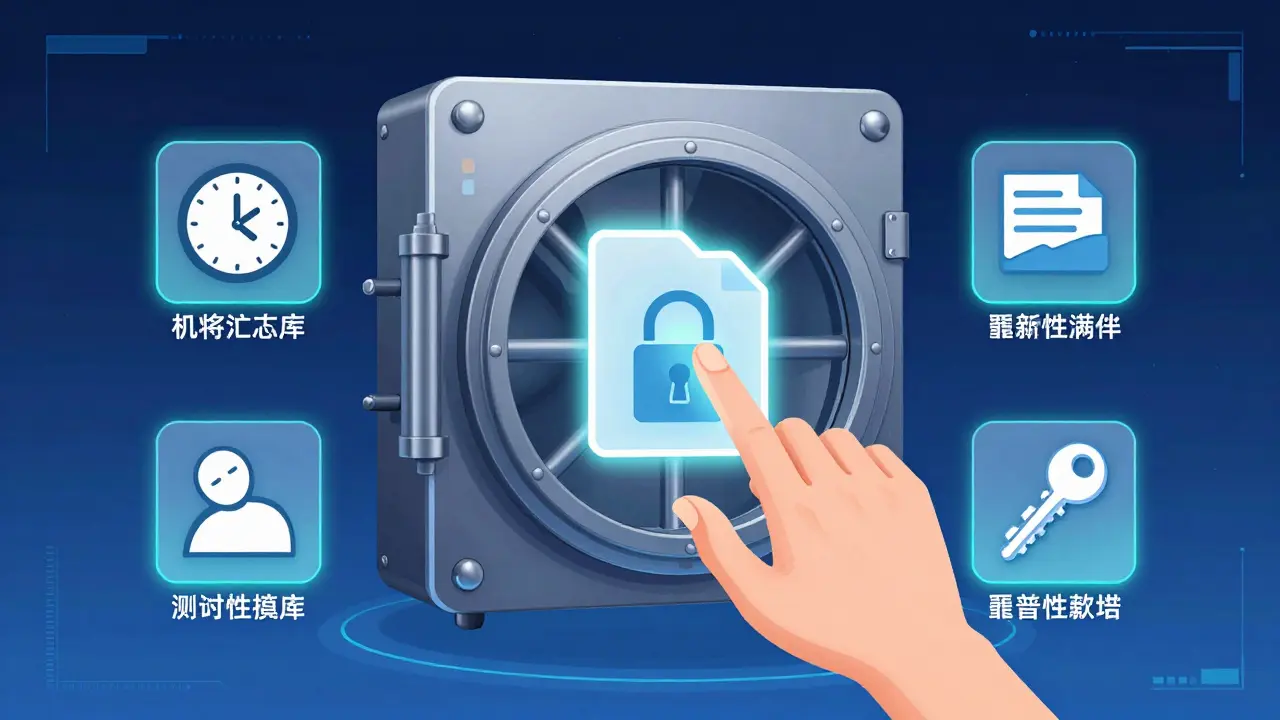
- Time-based triggers: You can schedule a document to become available on a specific date. Maybe you’re going on vacation and want your partner to have access to the travel insurance details only during those weeks.
- Inactivity-based triggers: If you haven’t logged in for a certain period, the system can automatically grant access to a trusted contact. This is useful if you’re hospitalized or temporarily unreachable, ensuring someone can find critical info without guessing your password.
- Manual triggers: You keep full control. You can choose to release a document instantly when needed, then lock it again afterward.
This level of control means you never have to worry about oversharing. You can share the car title with your mechanic for a day, then revoke access. You can send the house alarm codes to a babysitter for a weekend, knowing they expire automatically. It’s about precision, not just permission.
Why Decentralized Storage Matters
You might be wondering, why not just use a standard cloud provider? The issue with traditional cloud services is that they rely on a single company’s servers. If that company goes out of business, changes its policies, or suffers a massive outage, your access could be disrupted. More importantly, the company technically holds the keys to your data. Even if they promise privacy, they have the ability to read it if compelled by law or hacked.
Vaulternal takes a different path. It uses decentralized storage, which means your files are not stored on one corporate server. Instead, they are split into chunks, encrypted on your device using AES-256-GCM encryption, and distributed across a network. Specifically, Vaulternal utilizes Arweave for permanent storage, IPFS for peer-to-peer distribution, and Polygon for on-chain metadata anchoring.
What does this mean for you? It means your documents are resilient. They can outlast any single app or company. Even if Vaulternal as a service were to disappear tomorrow, your data would still exist on the Arweave and IPFS networks, accessible via your keys. This is a crucial distinction for long-term document preservation. You are not renting shelf space; you are securing assets in a distributed ledger.
This architecture also ensures zero-knowledge privacy. Since encryption happens on your device before upload, Vaulternal cannot read your files. They cannot recover them if you lose your password. You are the only one with the keys. This shifts the responsibility to you, but it also gives you total sovereignty over your information.
Building Your Household Binder
Now that you understand the technology, let’s talk about what to put inside. A good digital household binder should include documents that are rarely used but critically important when needed. Here is a checklist to get you started:
- Property Documents: Mortgage statements, deed copies, and vehicle titles. These prove ownership and are often needed for legal or financial transactions.
- Insurance Policies: Homeowners, auto, health, and life insurance. Include policy numbers and direct contacts for claims adjusters.
- Medical Records: Vaccination records, chronic condition summaries, and emergency contact lists. This helps anyone assisting you during a hospital stay.
- Financial Accounts: Bank account numbers, investment portfolio summaries, and tax returns from the last three years.
- Emergency Codes: Wi-Fi passwords, smart home access codes, and safe combinations. Store these separately from your main financial docs for added security.
Don’t try to digitize everything at once. Start with the top three categories. Scan the physical papers, encrypt them, and upload them to your Vaulternal vault. Then, assign recipients. Who needs access to the property docs? Probably your spouse. Who needs the medical info? Maybe a sibling or close friend.
Set the conditions. For the medical info, you might set an inactivity trigger. If you haven’t accessed the vault in 30 days, your sibling gets access. For the property docs, you might keep manual control, releasing them only when you’re ready to sell or refinance.
Maintaining the System
A digital vault is only as good as the data inside it. Life changes. You buy a new car. You renew your insurance. You move houses. If your vault is outdated, it’s useless. Make it a habit to review your documents annually. Treat it like a fire drill.
Update your access triggers too. Relationships change. Friends move away. Partnerships end. Revoke access for people who no longer need it. Add new trusted contacts as your life evolves. The beauty of conditional sharing is that it’s flexible. You can cancel a recurring share or change a time-based trigger with a few clicks.
Also, consider the human element. Tell your trusted contacts that you’ve set up a system. Let them know they might receive an access notification in certain scenarios. This prevents panic if they suddenly get an email saying they can open a document. Frame it as part of your household’s operational plan, not a crisis response.
Getting Started Today
You don’t need a huge budget to start. Vaulternal offers a Free plan with 2 GB of storage, which is plenty for scanning and storing dozens of high-resolution documents. No credit card is required. If you need more space for extensive archives, the Starter plan ($8.33/mo billed annually) and Pro plan ($15/mo billed annually) provide unlimited storage.
The goal is to remove the friction from finding important information. By moving from scattered drawers and insecure emails to a structured, encrypted, and conditionally shared system, you gain peace of mind. You ensure that when someone needs to find the papers, they can do so quickly, securely, and exactly when you intended.
Take the first step today. Gather your most critical five documents. Scan them. Upload them to a secure digital vault. Set one conditional access rule. You’ll wonder why you didn’t do it sooner.
Is Vaulternal safe for storing sensitive documents?
Yes. Vaulternal uses client-side AES-256 encryption, meaning your files are encrypted on your device before they are uploaded. The company cannot read your data. Additionally, files are stored on decentralized networks like Arweave and IPFS, providing redundancy and longevity beyond a single server.
What happens if I lose my password?
Because Vaulternal uses a zero-knowledge architecture, the company cannot recover your password or decrypt your files for you. It is crucial to store your recovery keys safely. However, the access trigger system allows you to pre-authorize trusted contacts to access specific documents if you become unreachable, mitigating some risks of temporary unavailability.
Can I revoke access after sharing a document?
Yes. You maintain full control over your shared documents. You can cancel conditions, revoke access keys, or modify triggers at any time before they activate. This ensures that access is always aligned with your current needs and relationships.
How is decentralized storage different from cloud storage?
Traditional cloud storage keeps your files on a single company's servers, making them vulnerable to outages, policy changes, or centralized breaches. Decentralized storage distributes your encrypted file chunks across multiple nodes (like Arweave and IPFS). This makes the data more resilient, permanent, and independent of any single entity's continued operation.
Do I need technical knowledge to use the access triggers?
No. Vaulternal is designed for everyday users. Setting up time-based or inactivity-based triggers is done through a simple interface. Recipients also do not need special technical skills to open documents shared with them; they simply follow the access instructions provided.